FREE LIVE WEBINAR
Work Smarter in Excel: 5 Ways to Upgrade How You Work
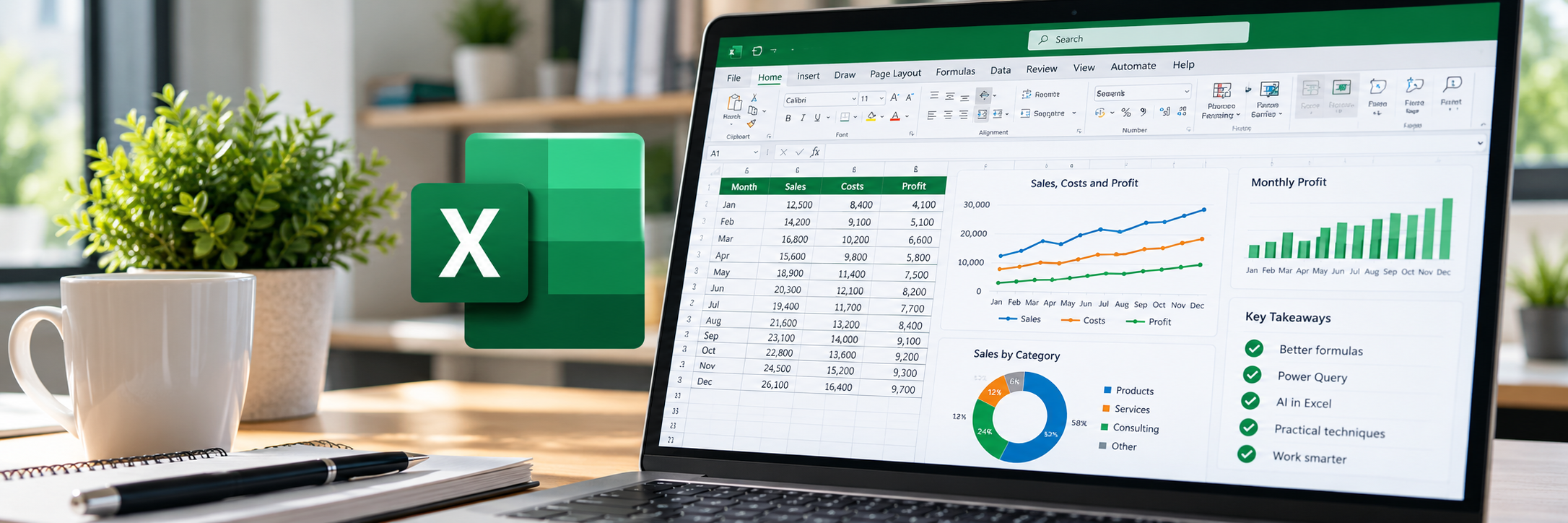
About The Webinar
Join Microsoft MVP Alan Murray for five practical demonstrations designed to help you save time, work more confidently with data and get more from modern Excel.
You’ll see better formulas, Power Query, AI and interactive features brought to life through practical examples you can apply in your own work.
Choose from these live sessions:
📅 Wednesday, 4 November 2026, 9:00 AM UK time
📅 Thursday, 5 November 2026, 2:00 PM UK time
📅 Monday, 9 November 2026, 6:00 PM UK time
📅 Tuesday, 10 November 2026, 2:00 PM UK time
📅 Thursday, 12 November 2026, 9:00 AM UK time
About your presenter
Alan Murray is a Microsoft MVP, Excel trainer, author and the creator of Computergaga. Through his courses, books, YouTube channel and live training, he helps professionals develop practical Excel skills they can apply immediately.
Register free and you'll receive
✅ A 60-minute live Excel webinar
✅ The downloadable Work Smarter in Excel practical guide, featuring key techniques and examples from the session
✅ Access to the webinar recording
✅ A live Q & A with Alan at the end
Five ways to work smarter in Excel
-
01. Build spreadsheets that automatically expand
See how Excel Tables make formulas, formatting and reports easier to maintain.
-
02. Create powerful reports with modern formulas
Use functions such as GROUPBY, CHOOSECOLS and HSTACK to produce dynamic results with fewer formulas.
-
03. Clean and reshape data with Power Query
Turn repetitive data preparation into a process you can refresh.
-
04. Use AI to solve Excel problems
See how AI tools can help you work through common Excel tasks more quickly and confidently.
-
05. Make spreadsheets interactive with checkboxes
Add simple controls that make reports and dashboards easier to use.

Computergaga
Presenter